Library automation systems by CELECT

Library softwares, security systems, RFID automation and productivity systems... all under one roof...

What is Modern Library Automation?

In 2026, library automation has evolved beyond simple digital catalogs into a frictionless, "smart" ecosystem. At its core, it is the strategic integration of RFID hardware (Radio Frequency Identification) and LMS software (Library Management Systems like Koha) to automate repetitive tasks. By implementing a total automation solution, institutions can transition from manual data entry to real-time AIDC (Automatic Identification and Data Capture). This enables multi-item self-checkouts, covert theft prevention via EM Tattle-Tape, and seamless mobile app integration. For the library, this means 90% faster inventory audits; for the patron, it means a modern, self-reliant experience that keeps the library relevant in a digital-first world.

Reducing Manual Labor with RFID-Based Self-Checkout

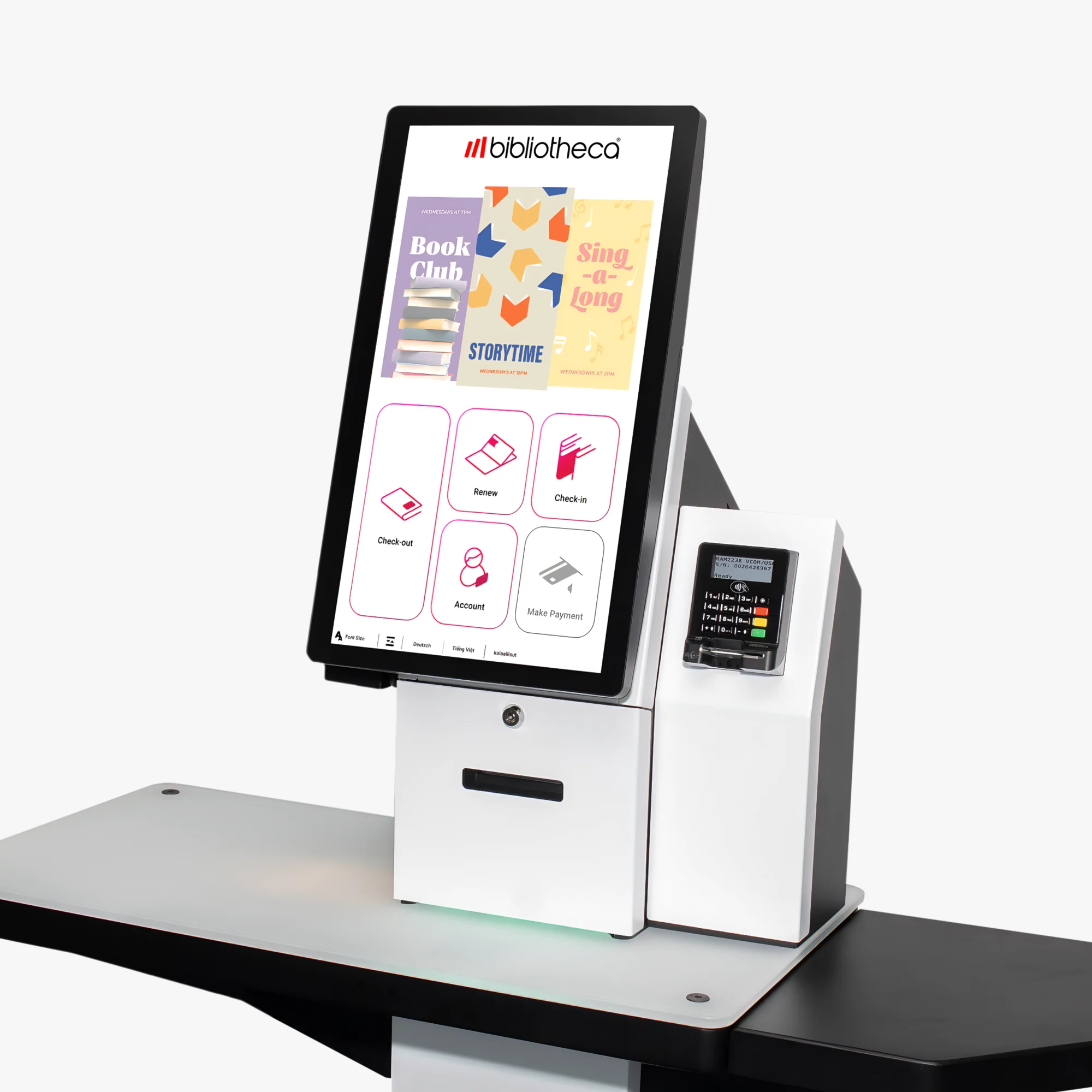
CELECT provides complete solution to libraries for RFID automation right from system study, analysis, hardware selection, deployment, integration, training and management. The end to end consultancy ensure we deliver high class value to our esteemed clients.

How Open Source LMS (Koha) Powers Library Operations

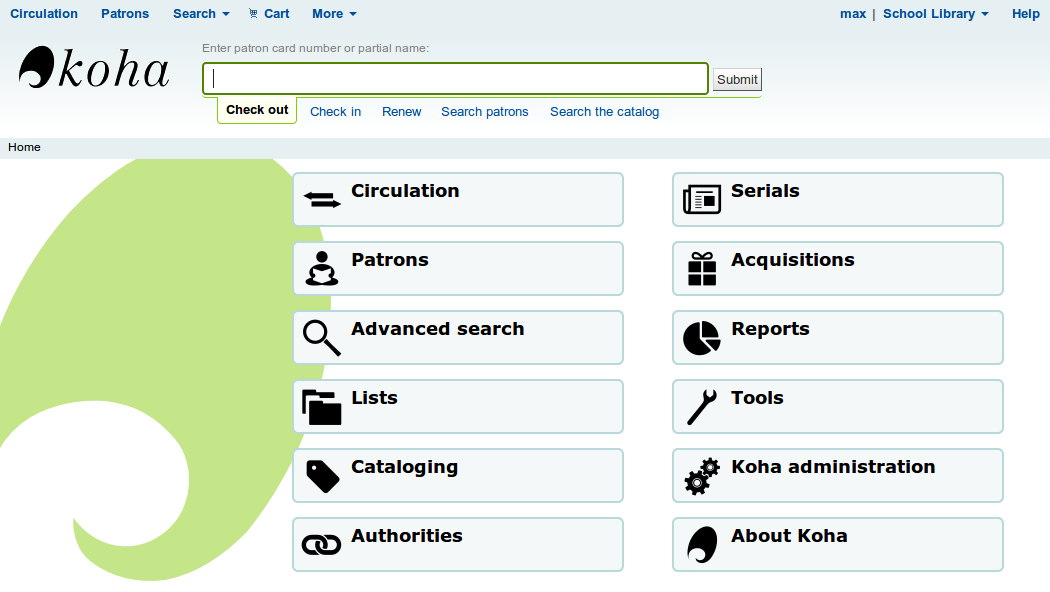
Koha is the first free and open source library automation software. It is designed to manage physical collections of items (books, CD's, videos, reference etc). In this software, user interface is very configurable and adaptable and has been translated into many languages. It provides Cataloguing, Searching, Member/Patron management, an acquisition system and Circulation (issues, return and reserves).

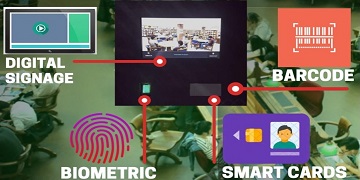
Count library footfall using Digital Kiosk

PTC - Patron Traffic Counter is the Latest offering from CELECT under Library Convergence Portfolio. Not only will PTC helps you to replace the paper registers placed at Entry / Exit locations with the electronic authentication device, it will also ensure that you get real time reports.

digital-connect-digital-signage

Use Digital Signage to promote your library and institution

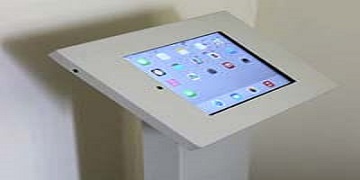
DECK Digital Sigange is a highly powerful and flexible communication method: a dynamic sign (screen) that displays digital media to a public audience. Digital signage software works over an Internet connection or an offline mode, delivering rich media content to digital screens. Use digital signage to grow your revenue, reduce your cost and reinforce your brand. The idea behind the system is to provide dynamic content which can be controlled from a centralized location.

How Mobile Apps are keeping Patrons connected to the library

LIBCON Library mobile app is an ideal app to be used by Libraries across the world to connect to their patrons. The app has features to provide dynamic content for information flow between the library and its patrons. Used across academic as well public libraries the simple interface and multiple features has made the app a perfect companion for library users.

Gettting small libraries automated within small budgets

Small school libraries are different than big universities & education institutions in multiple ways and so their requirements are different than bigger libraries. LIBCON provides a trim down version of Library management software system specifically to be used in school libraries.

Showcase Institutional Repository for better access

DSpace is an open source repository software package typically used for creating open access repositories for scholarly and/or published digital content. DSpace is a repository application that allows you to capture, store, index, preserve and distribute your digital material including text, video, audio and data.

celect-smart-cards

Smart Identity with Smart cards for Library access

CELECT provides Smart Cards in the range of various ISO standards including Mifare, ICODE, iCLASS, Proximity and PVC cards, which can be used for providing identity to library patrons. These cards can also be used for automated issue & return of library books using selfcheck kiosks.

meeting-room-manager

Manage Meeting / Discussion Rooms for optimal usage

SUITS Meeting Room Manager is a browser based solution which helps to manage multiple meeting or conference rooms in a library in real time. Its simple design and smooth information flow ensures minimal clicks for meeting room booking. Versatile features of the system also display real time availability and facilities present in a meeting room.

celect-assets-management-system

Use Asset Management tools to help track the inventory

CELECT AssetMAN is a single centralized solution for all your asset management and tracking needs. It is completely web based and ships with in built IT Help desk and service management system. The system manages the asset life cycle right from procurement, deployment & usage, up-gradation & service, decommissioning & salvage.

5 Steps to automate your libraries

Step 1: Deep-Dive Needs Analysis & Feasibility

Before buying a single tag, you must audit the "current state."

  • Data Visiblity: Do you have all library records in a digital or manual format? If so, what is the data quality? Data integrity is crucial for any automation system to work.
  • Collection Health: Do you have a barcode system already? Transitioning to RFID is faster if your collection is barcoded. However, if your collection does not have a barcode, RFID can still be done.
  • Throughput Metrics: Measure your peak hours. If you have 100+ checkouts per hour, you need multiple selfCheck kiosks to avoid "patron friction."
  • Infrastructure Check: RFID gates require a "interference-free" zone. Check for large metal objects or high-power cables near your exit points which can distort the 13.56 MHz frequency.


bibliotheca-rfid-tag-range

Step 2: Selecting the Software Core

The LMS (Library Management System) is the brain.

  • Koha (Open Source): Best for universities needing deep customization and no vendor lock-in. It requires a dedicated IT team or a managed service provider like CELECT to handle server maintenance and updates.
  • LIBCON (SaaS): Ideal for schools or corporate libraries that want a "turnkey" solution with lower overhead.
  • The "Integration" Factor: Ensure your LMS supports SIP2 (Standard Interchange Protocol) or NCIP. Without these, your RFID kiosks cannot "talk" to your LMS system directly.
  • In-house or on Cloud: Whether you wish to host the LMS locally within your own infrastructure or get it online on cloud platforms like AWS. Self hosting may save on the cloud costs but it needs much more management maintenance of the server as compared to a cloud instance.


koha-library-software

Step 3: Precision Tagging & Hardware Integration

This is where most projects fail or succeed.

  • The Tagging Strategy: Don't just stick tags anywhere. For books, tags should be placed in "staggered" positions (top, middle, bottom) across the collection. This prevents "shielding" when multiple books are stacked on a reader.
  • Hardware Setup: Choosing the least priced one may not always work. There are solutions which are might be a bit costlier initially but prove to be cost effective in the longer run.
  • Security Tuning: Calibrate your RFID Security Gates to ignore "False Positives" (like alarms triggered by other electronic items ) while maintaining a 99% detection rate for un-checked items.
bibliotheca-RFID-self-check-3000

Step 4: Redefining Staff Workflows

Automation shouldn't just "add a tool"; it should "change the day."

  • Circulation Desk Transition: Shift staff from "scanning barcodes" to "roaming support."
  • Rapid Inventory Training: Train staff on using Handheld RFID Readers (like the Inventory Wand). What used to take weeks (counting 50,000 books) can now be done in a single afternoon by walking past the shelves.
  • Exception Handling: Create a "Manual of Errors." What happens if a tag is damaged? How do you handle a patron whose card is blocked at a self-checkout?


stock-taking-reader

Step 5: Patron Launch & User Education

The goal is 100% adoption.

  • "Soft Launch" Phase: Run the kiosks for 2 weeks with student volunteers standing by to help patrons.
  • Incentivize Self-Service: Place your self-check kiosks in a "higher-traffic" path than the manual desk.
  • Marketing the Shift: Use digital signage (like our DECK system ) to show a 30-second video of how to use the new kiosks.


digital-signage

More Resources for Library Automation

Technical Specification Checklist for Library RFID Automation Tags

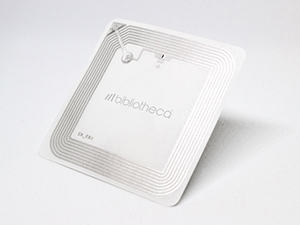
The RFID tag is the hub of the RFID system. The quality of this tag shall directly impact the success of your automation project. Checkout this elaborated Technical Specification Checklist for Library RFID tags, designed for the current industry standards.

read more...

CELECT is proud to celebrate our 200th Patron Traffic Counter - PTC

This milestone is a testament to our willingness to listen to market requirements. The Patron Traffic Counter (PTC) was created after multiple libraries approached us with a need for a simple yet powerful solution to track library footfall effectively.

read more...

CELECT Named Exclusive Authorized Partner for bibliotheca in India.

As per the official announcement from bibliotheca, CELECT is now the ONLY authorized partner for the supply and maintenance of bibliotheca products and services in India. This authorization applies to both new supply as well as ongoing and future maintenance and support.

read more...

Boosting Library Footfall with Digital Signage: A Strategic Approach.

Libraries are vital community centres that offer a wealth of knowledge and resources. However, increasing footfall requires innovative strategies, and digital signage is a key player in this endeavour. Here's how digital signage can be used to drive more visitors to libraries:

read more...